General
I purchased a serial number but it doesn't activate?
- Make sure you copy and paste the serial number from the order confirmation e-mail (don't try to type it using your keyboard).
- Include the complete serial number.
- Make sure you are connected to the internet and that your firewall is not stopping traffic.
- If nothing works just send a mail to [email protected]
- Include the complete serial number.
- Make sure you are connected to the internet and that your firewall is not stopping traffic.
- If nothing works just send a mail to [email protected]
I lost my Paddle serial number. How do I get it back?
Just enter your email address below and we will send you all the records again.
I lost my eSellerate serial number. How do I get it back?
Just go to the eSellerate Support Center and follow the instructions.
I have purchased from the Mac App Store but the app still asks for a serial?
iSubtitle
How can I add subtitles to a movie purchased or rented in the iTunes Store?
The short answer is, you can't. Apple has protected their movies with a DRM system called FairPlay. As a third party developer we have no access to those frameworks. Send feedback to Apple and let them know what you think!
How do I change the subtitle appearance on macOS?
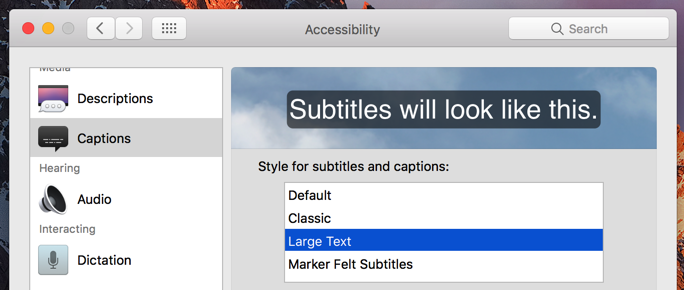
How do I change the subtitle appearance on iOS?
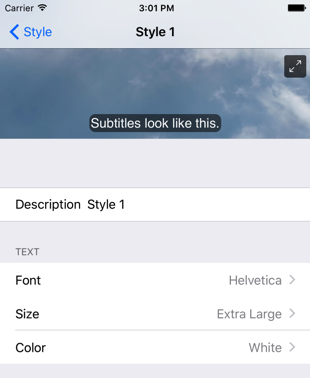
How do I change the subtitle appearance on tvOS?
Just follow the instructions on this Apple support page.
I got an error when exporting a movie. What went wrong?
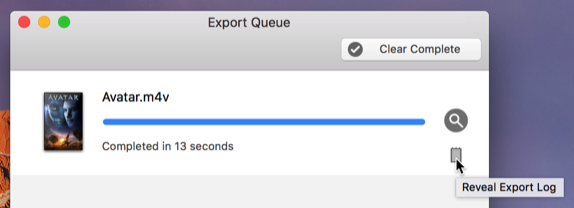
The subtitles are not in sync with the audio. How do I fix this?
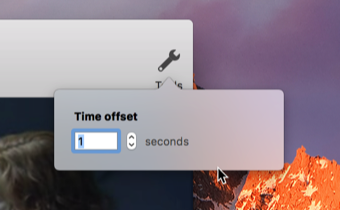
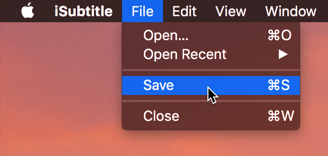
Can I add subtitles to a movie and just save it without exporting?
How do I setup the video encoding parameters for that perfectly looking exported movie?
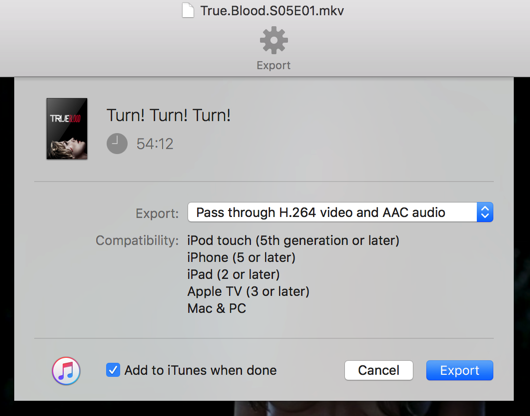
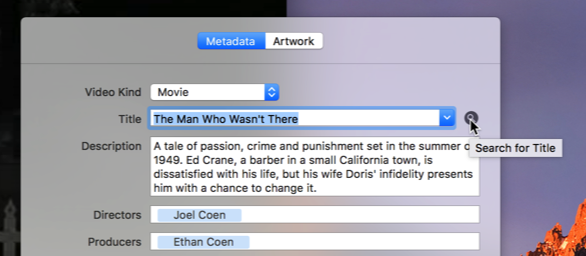
The metadata found was wrong. How do I fix this?
Submerge
How can I add subtitles to a movie purchased or rented in the iTunes Store?
The short answer is, you can't. Apple has protected their movies with a DRM system called FairPlay. As a third party developer we have no access to those frameworks. Send feedback to Apple and let them know what you think!
I can’t find the exported movie. Where is it?